Choose the workflow first
Use text-only for concepts, image input for identity and product shape, video input for timing, and audio input for rhythm or mood.
1.1 Basic Prompt Formula
1.2 Multimodal Reference Control
2.1 Slogan / Title Text
2.2 Subtitles
2.3 Speech Bubbles
3.1 Multi-angle Subject Reference
3.2 Multi-image Reference
4.1 Action Reference
4.2 Camera Movement Reference
4.3 Effects Reference
5.1 Add / Remove / Modify Elements
5.2 Video Extension
5.3 Track Completion
联网调研整合
最强的 Seedance 指南都在重复同一件事:先选工作流,再写提示词;每个素材都要有明确职责;描述视频时要写动作和镜头,而不只是写一张漂亮画面。
Use text-only for concepts, image input for identity and product shape, video input for timing, and audio input for rhythm or mood.
For complex clips, state the duration, aspect ratio, shot count, and shot order before the cinematic details.
Write whether Image 1 locks identity, Video 1 controls movement, or Audio 1 controls pacing. Do not leave reference roles implicit.
If the result drifts, change only the identity note, motion note, camera note, or constraint. Small revisions are easier to judge.
01 General Tips
Seedance 对自然语言理解很强,但短视频仍然需要明确导演指令。每条提示词都可以从下面这些可控部件开始搭。
Name the person, product, place, or object that the clip must keep readable.
Give the subject one clear action, then add timing only when the action changes.
Set the physical location, weather, props, background movement, and spatial depth.
Describe lens feel, color grade, lighting, texture, genre, and production quality.
Use film verbs such as dolly in, orbit, locked-off, handheld, tracking, crane, or macro.
Add ambience, dialogue, music mood, voiceover, subtitles, or sound-effect timing.
1.2 Multimodal Reference Control
用图像锁身份和形状,用视频锁动作与镜头节奏,用音频提示节奏或氛围。不要只上传素材,要告诉模型每个素材负责什么。
这些数值来自项目里的真实生成器设置。
Output duration
4-15s
Ratios
Auto, 16:9, 9:16, 4:3, 3:4, 3:2, 2:3, 2:1, 21:9, 1:1
Resolution
360p, 480p, 512p, 540p, 720p, 768p, 1080p, hd, fhd, 4k
Images
up to 9
Videos
up to 3, 15s total
Audio
up to 3, 15s total
案例库
每个案例都按内页指南的方式组织:先看生成结果,再看参考输入,最后给出可改写的提示词。
02
2.1 Slogan / Title Text / 2.2 Subtitles / 2.3 Speech Bubbles
2.1 Slogan / Title Text
Use the last beat of a product story for a short title card or slogan. Keep the phrase simple and say exactly when it appears.
Formula
[Text content] + [appearance timing] + [position] + [text style]
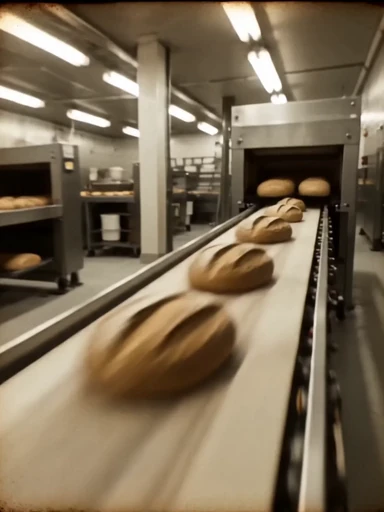
Create a 15-second premium food commercial. Show a disappointed customer, a quick flashback of hand-made craft, then a warm close-up bite. At the final 2 seconds, blur the background and place bold gold text in the center: "REAL BREAD. REAL CRAFT." Keep the text large, readable, and stable.
控制重点
2.2 Subtitles
Subtitles work best when the narration is short and the visual sequence is already organized into slides or beats.
Formula
[Voiceover line] + [subtitle position] + [sync timing] + [slide order]
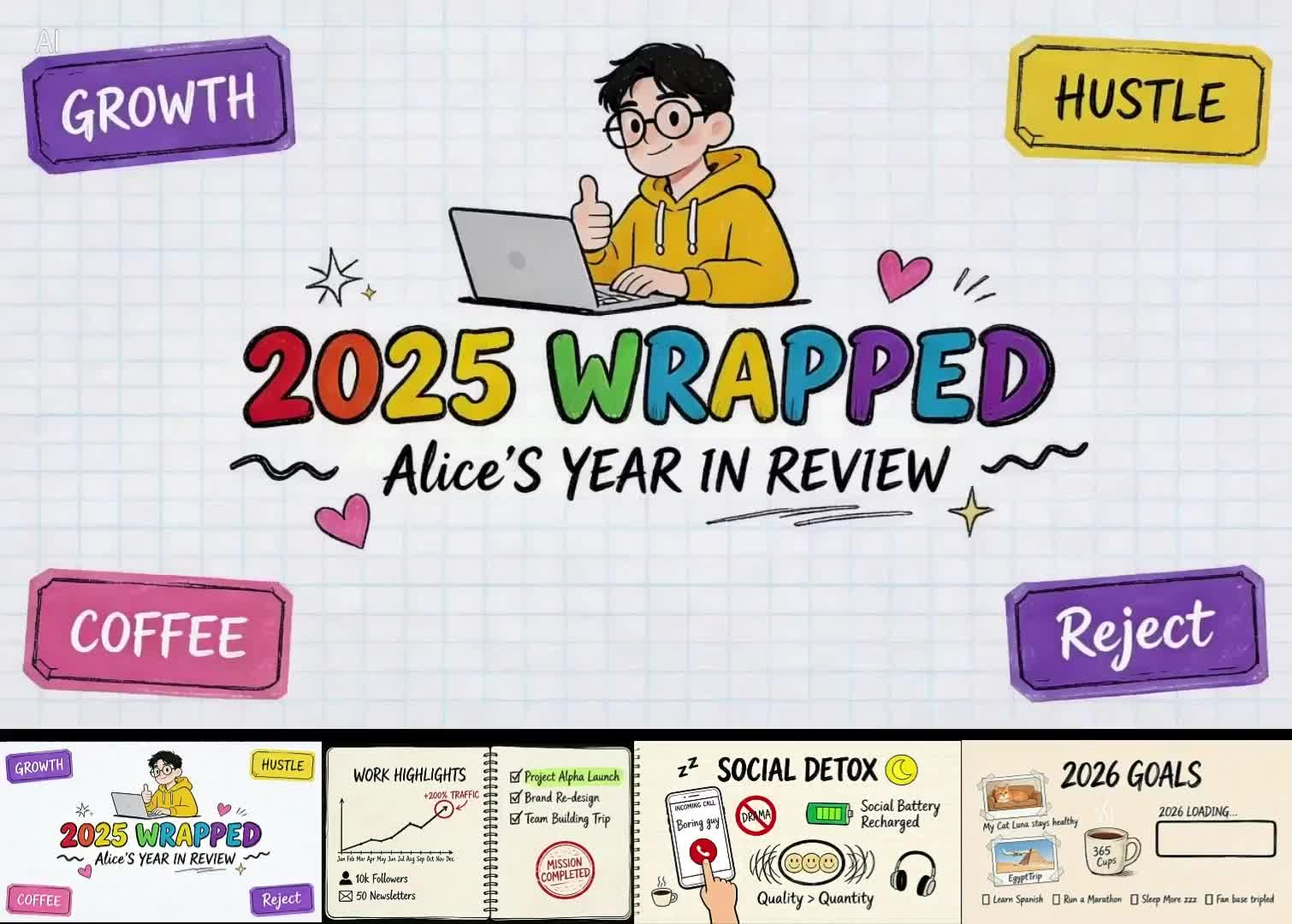
Use the four uploaded slides in order. Generate a calm male voiceover, one short sentence per slide, at normal speaking speed. Add clean white subtitles at the bottom of the frame, synchronized with each spoken sentence. Keep the slide design readable and avoid extra decorative text.
控制重点
2.3 Speech Bubbles
Speech bubbles are useful for stylized ads, social clips, and anime-inspired scenes where the text is part of the art direction.
Formula
[Character] says "[line]" + [bubble position] + [cut order]

Create a high-energy 1990s pop-anime snack commercial. Use Image 1 for the package, mascot style, and vibrant pop color palette. Add comic speech bubbles near the characters: "So crunchy!" and "One more!" The bubbles should pop in with a bounce effect, remain readable, then exit before the final product shot.
控制重点
03
3.1 Multi-angle Subject Reference / 3.2 Multi-image Reference
3.1 Multi-angle Subject Reference
Use multiple product references when silhouette, material, and side details must stay stable during camera movement.
Formula
Extract [Image N subject] + generate [scene] + keep [features] stable
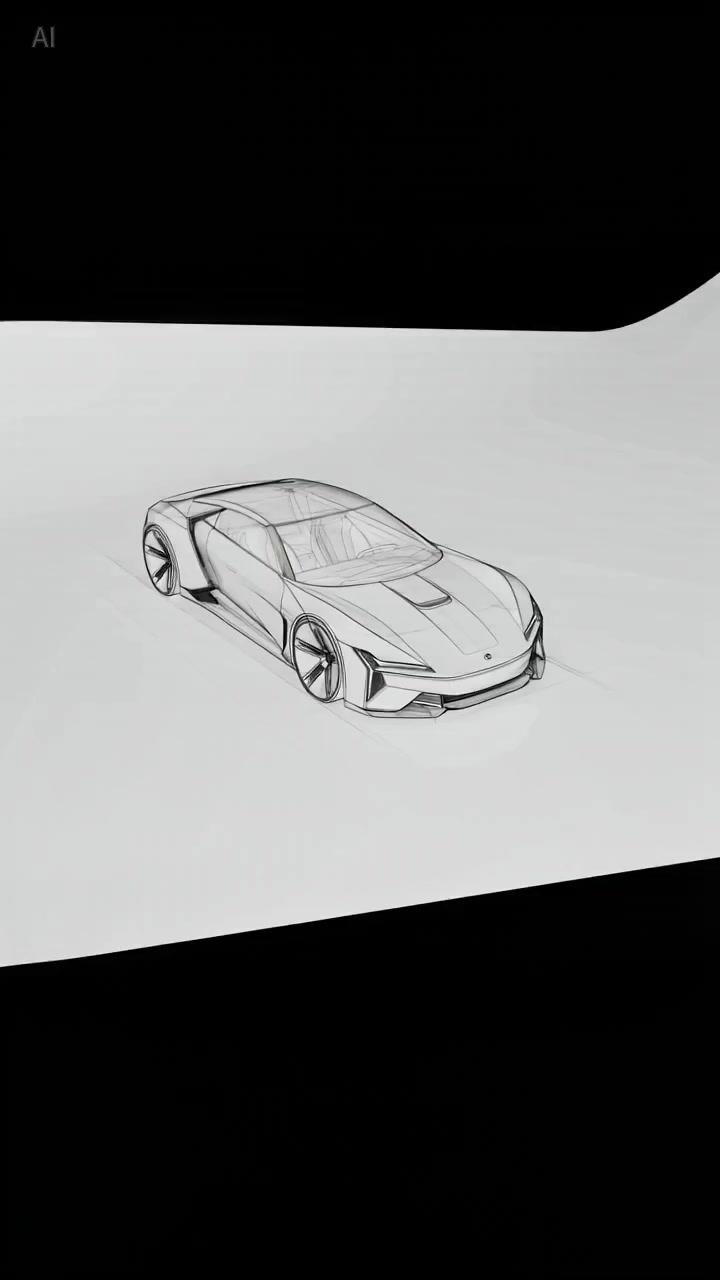
Use Image 1 as the product reference. Preserve the core silhouette, color, reflective material, and front details. Place the object on a clean studio surface, then use a slow 180-degree orbit to reveal front, side, and rear details without changing the design.
控制重点
3.1 Multi-angle Subject Reference
A still interior image can become a renovation, lighting, or staging sequence when the prompt protects the original layout.
Formula
Reference [Image 1 scene] + change [state] + keep [layout] stable
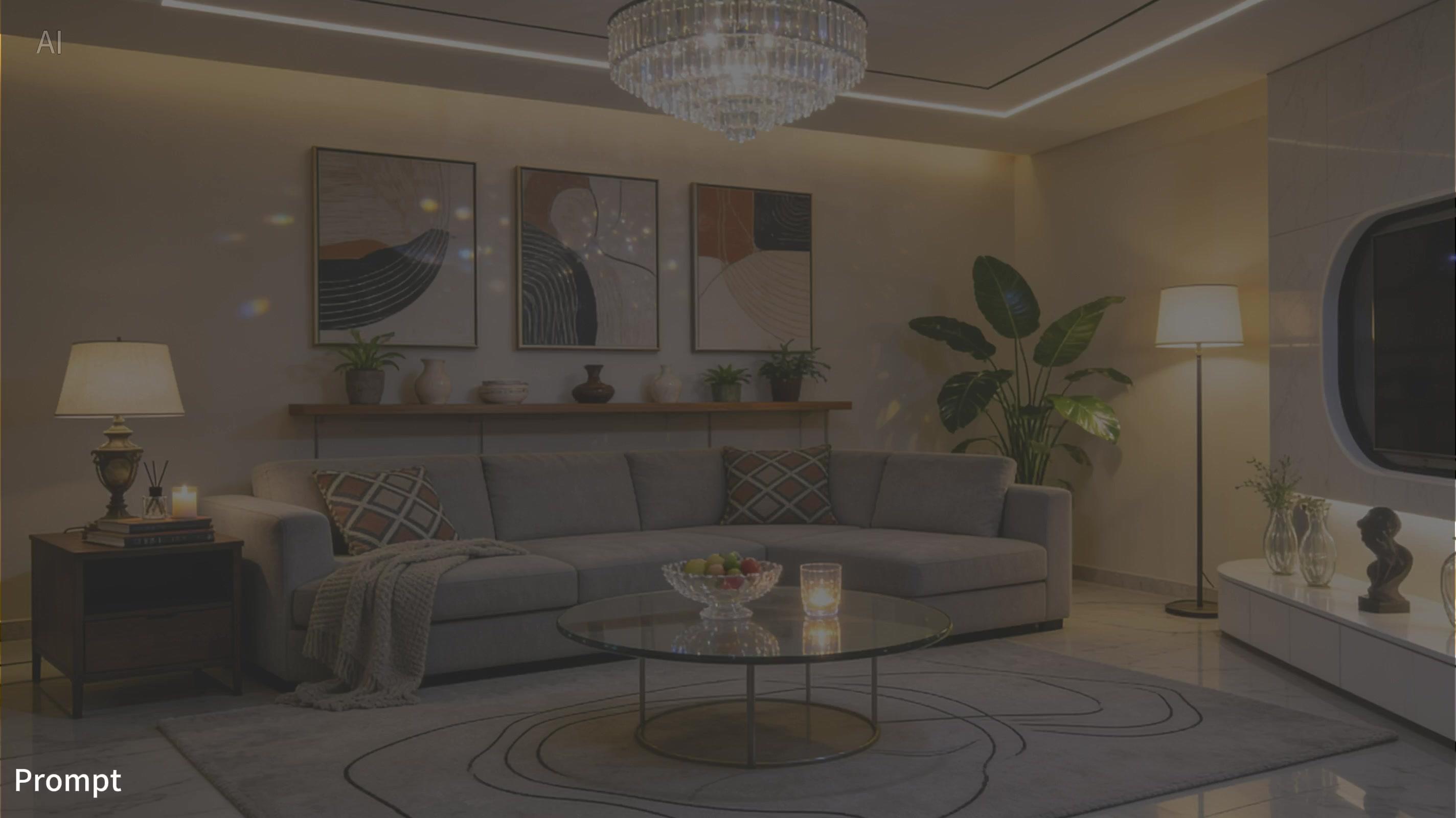
Use Image 1 as the room layout reference. Generate a time-lapse from raw concrete interior to a finished warm living room. Keep wall positions, window placement, and camera angle consistent. Add furniture, soft lighting, and a final light-switch moment where the room turns on.
控制重点
3.1 Multi-angle Subject Reference
Identity references work best when the prompt separates face, wardrobe, emotion, and action.
Formula
Reference [Image N person] + generate [scene] + keep identity consistent
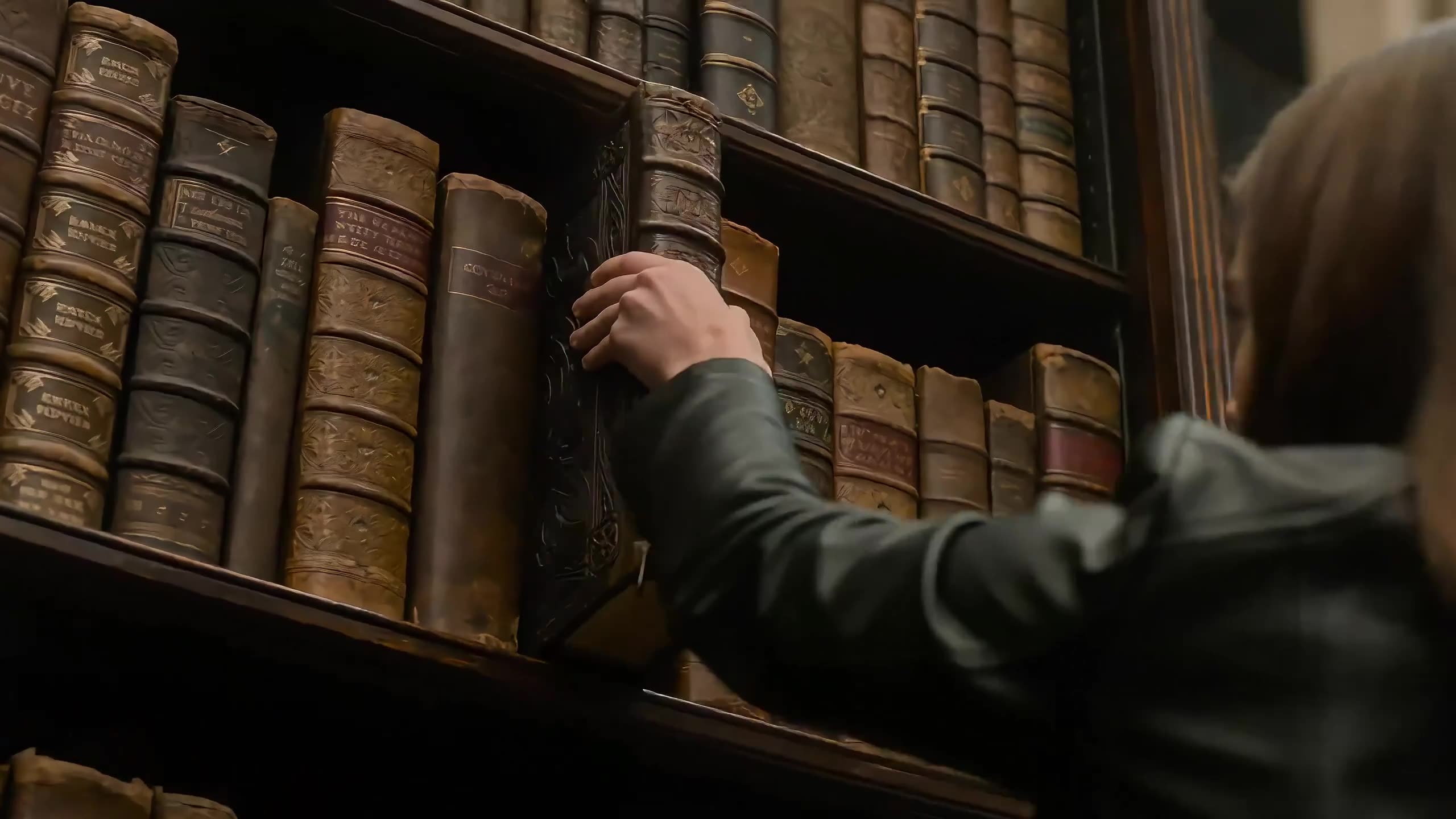
Use Image 1 for the character identity, face shape, hair, wardrobe, and dim library mood. Start with a close-up of the character reading alone, then slowly pull back as papers move and a glowing doorway appears. Keep the character consistent while the scene changes.
控制重点
3.2 Multi-image Reference
For a multi-image sequence, assign each image a beat and describe the emotional arc that connects them.
Formula
Reference [Image 1] + generate [story beats] + maintain [style]
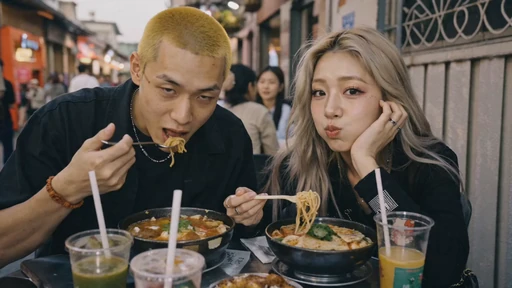
Use Image 1 as the story and mood reference. Create a nostalgic flashback montage on 35mm film: first a warm memory, then a quiet pause, then an intimate interior detail. Use soft grain, dreamlike bokeh, warm highlights, and gentle English background music. Keep cuts rhythmic but readable.
控制重点
04
4.1 Action Reference / 4.2 Camera Movement Reference / 4.3 Effects Reference
4.1 Action Reference
Use a video reference when the key value is timing, body motion, blocking, or the rhythm of a chase.
Formula
Reference [Video 1 action] + generate [new scene] + keep action details
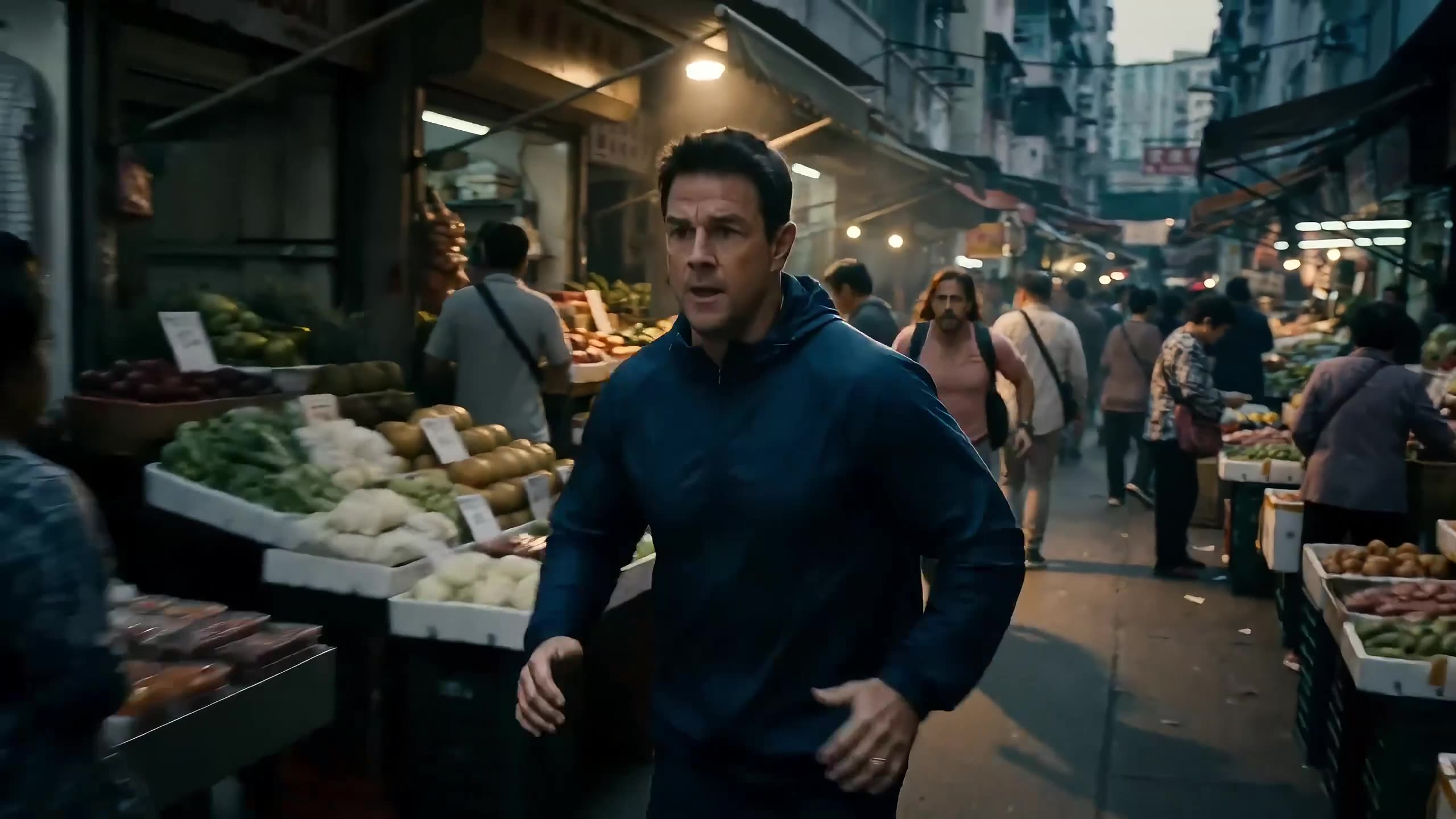
Use Video 1 for the running rhythm, camera distance, obstacle timing, and main character. Generate a dusk market chase in one continuous shot: close behind the character, side-track through the crowd, then push forward as the character glances back. Add footsteps, crowd ambience, and distant shouts.
控制重点
4.2 Camera Movement Reference
Camera references are useful when the move is the product: long takes, push-ins, POV, 360 pans, or handheld rhythm.
Formula
Reference [Video 1 camera move] + generate [new subject] + keep camera path
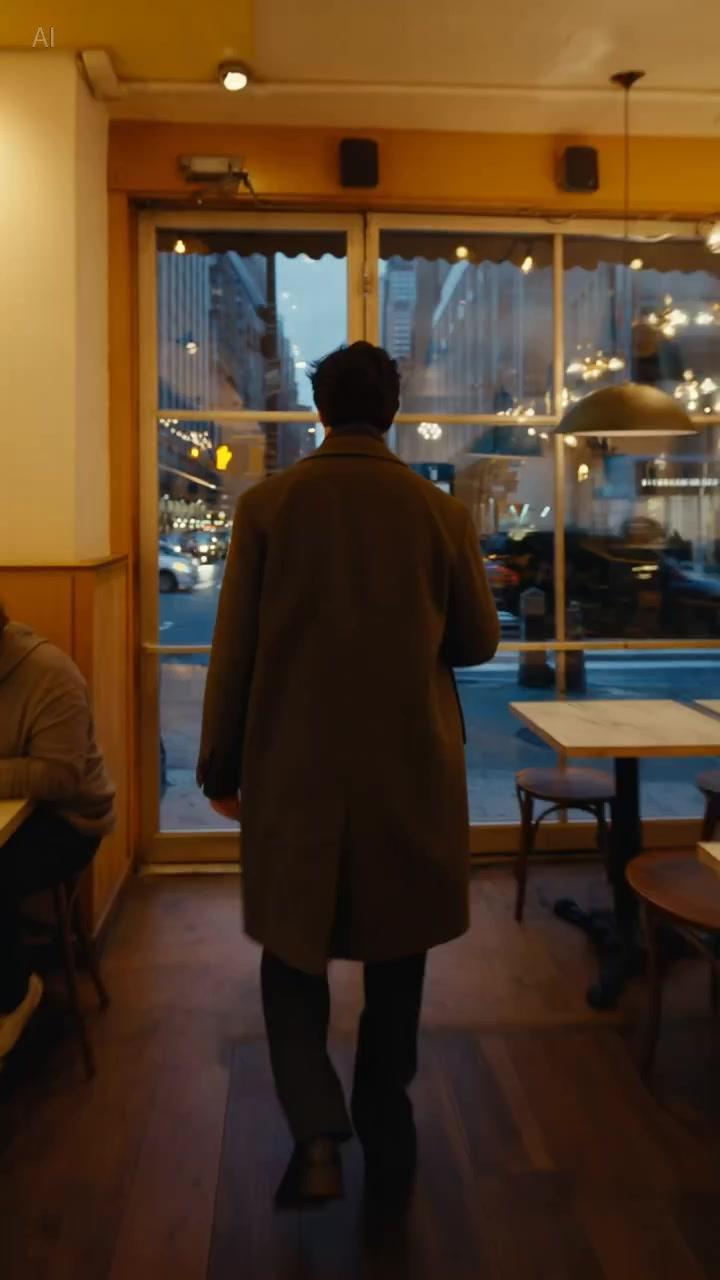
Reference the camera path from Video 1: a back-following steadicam move through changing light zones. Generate a modern city walk from a warm cafe interior to a busy street and then into a subway stairwell. Keep the lighting transition smooth and do not cut away from the main subject.
控制重点
4.3 Effects Reference
Effects references help control particles, glows, energy trails, assembly motion, and the timing of visual transformations.
Formula
Apply [effect trajectory] to [Image 1 subject] + keep timing
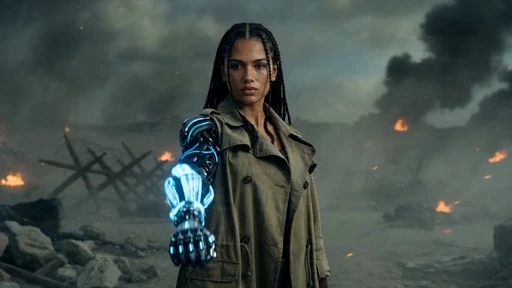
Use Image 1 for the character design. Generate a close-up transformation scene: glowing blue runes appear, energy spreads across the face and arm with timed particles, black armor plates assemble in sequence, then the final hero pose locks in smoke.
控制重点
05
5.1 Add / Remove / Modify Elements / 5.2 Video Extension / 5.3 Track Completion
5.1 Add / Remove / Modify Elements
Editing prompts need a narrow target. Name the element to remove or replace, then protect motion, framing, and lighting.
Formula
Remove [element] from [Video 1] + keep [everything else] unchanged
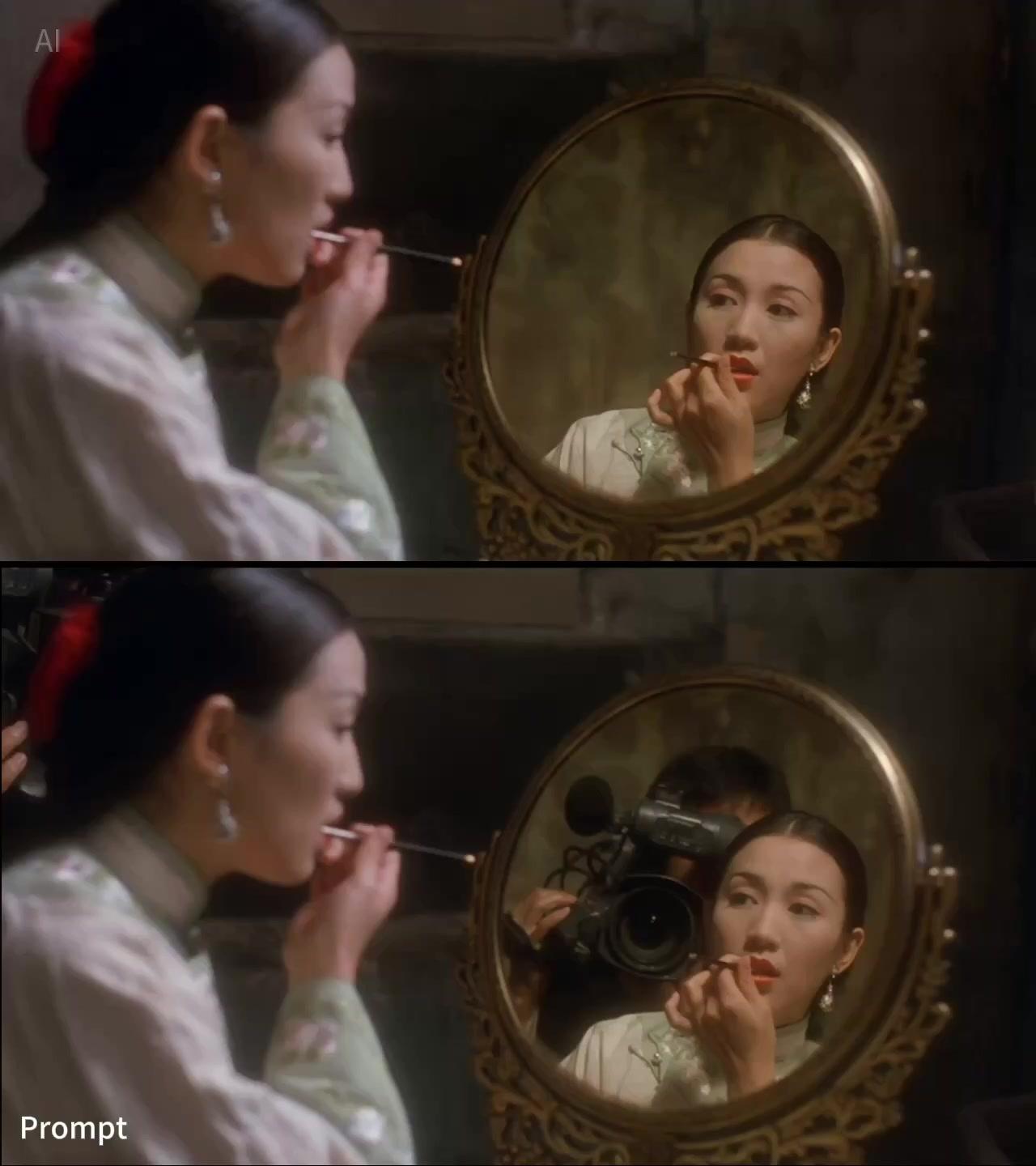
Remove all visible production mistakes from Video 1, including stray tools, tape marks, and unwanted gear. Keep the actors, hand motion, camera movement, room lighting, and timing unchanged. Do not introduce new props or change the original composition.
控制重点
5.2 Video Extension
Extension works when the new action naturally follows the final motion, camera angle, and tone of the original clip.
Formula
Extend [Video 1] backward / forward + [new content description]
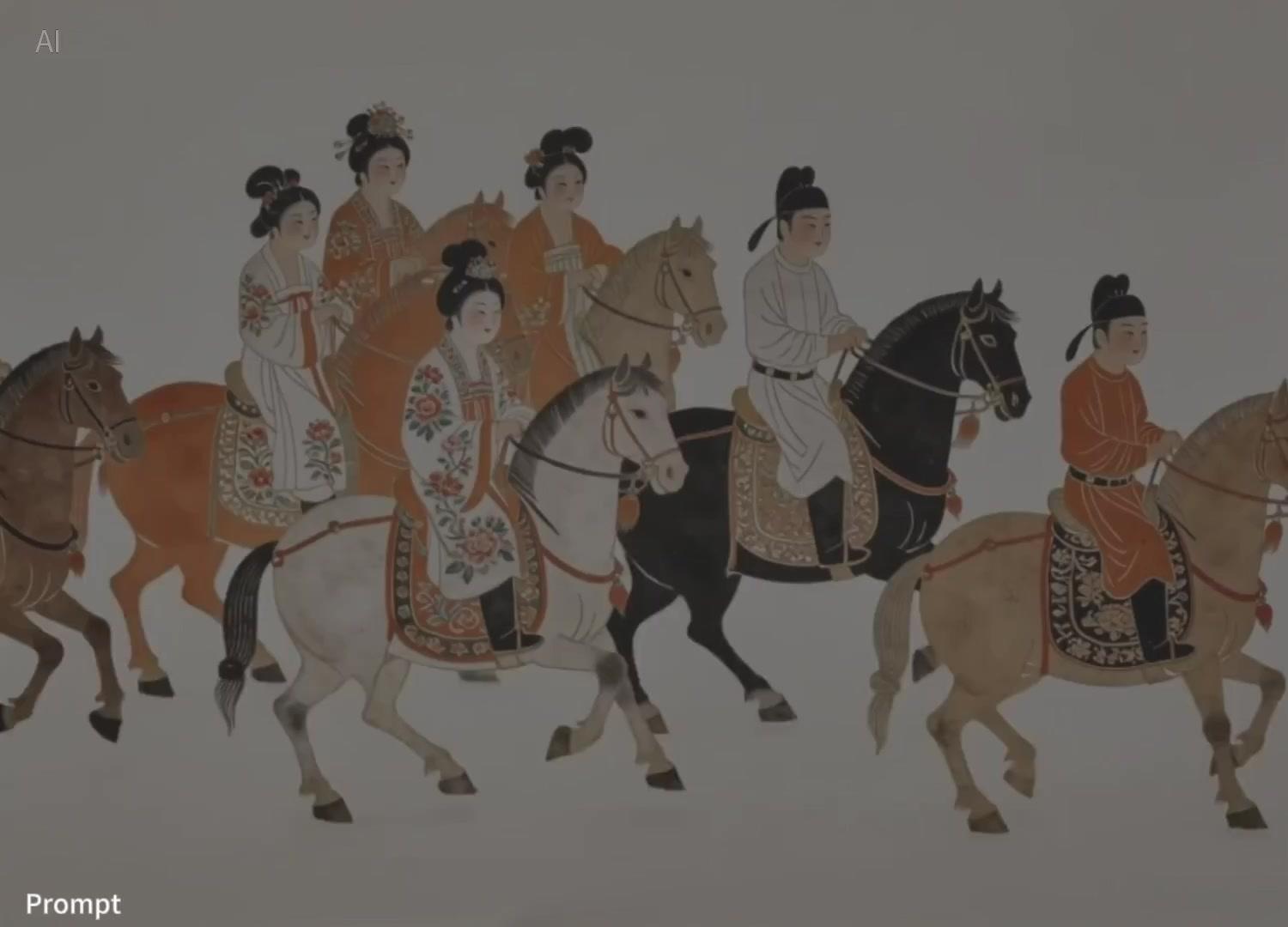
Generate content after Video 1. Continue the existing camera track and classical painting style. The main rider moves toward the blooming tree, picks two orange flowers, dismounts, and presents the flowers to the person waiting ahead. Preserve the original music mood and color palette.
控制重点
5.3 Track Completion
Track completion is best when the first and last inputs have an obvious transformation bridge: color, light, architecture, or subject pose.
Formula
[Video 1] + [transition] + connect to [Video 2] + [transition logic]
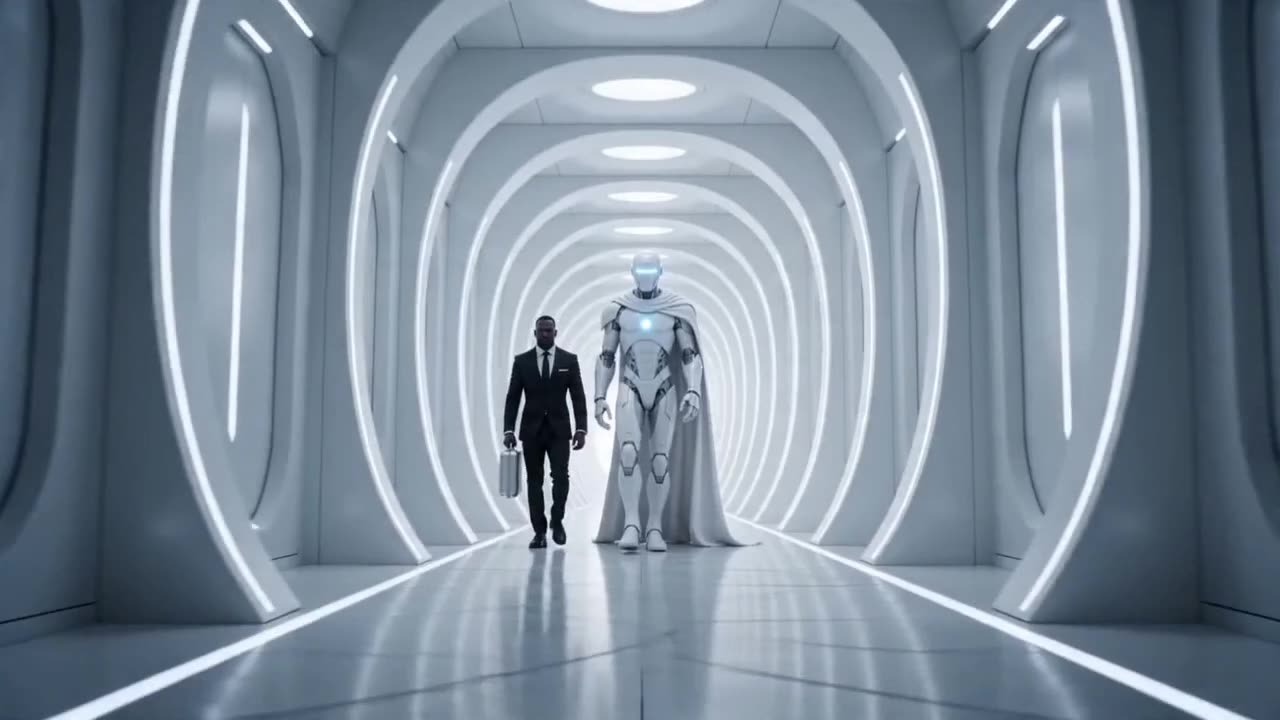
Connect Video 1 to Video 2 in 8 seconds. Start at the ancient pyramid scene, keep the robot centered, then transform sand, stone, and amber light into a clean white future corridor. The robot design remains consistent while the environment morphs smoothly from old world to sci-fi interior.
控制重点
使用主体、动作、环境、美学、镜头和音频。复杂视频要在开头补充时长、比例和镜头顺序。
当身份、产品形状、服装、布局、首帧或视觉风格必须稳定时,使用图像参考。
当时序、动作节奏、镜头路径、手势或特效轨迹比源素材外观更重要时,使用视频参考。
当前工作台支持最多 9 张图像、3 个视频和 3 个音频文件,视频和音频时长限制见上方设置。